Generate reports and export your data
Step 1
To get the most accurate data, review all fiscal years in your Netrunner and reconcile as many transactions as possible towards 100%
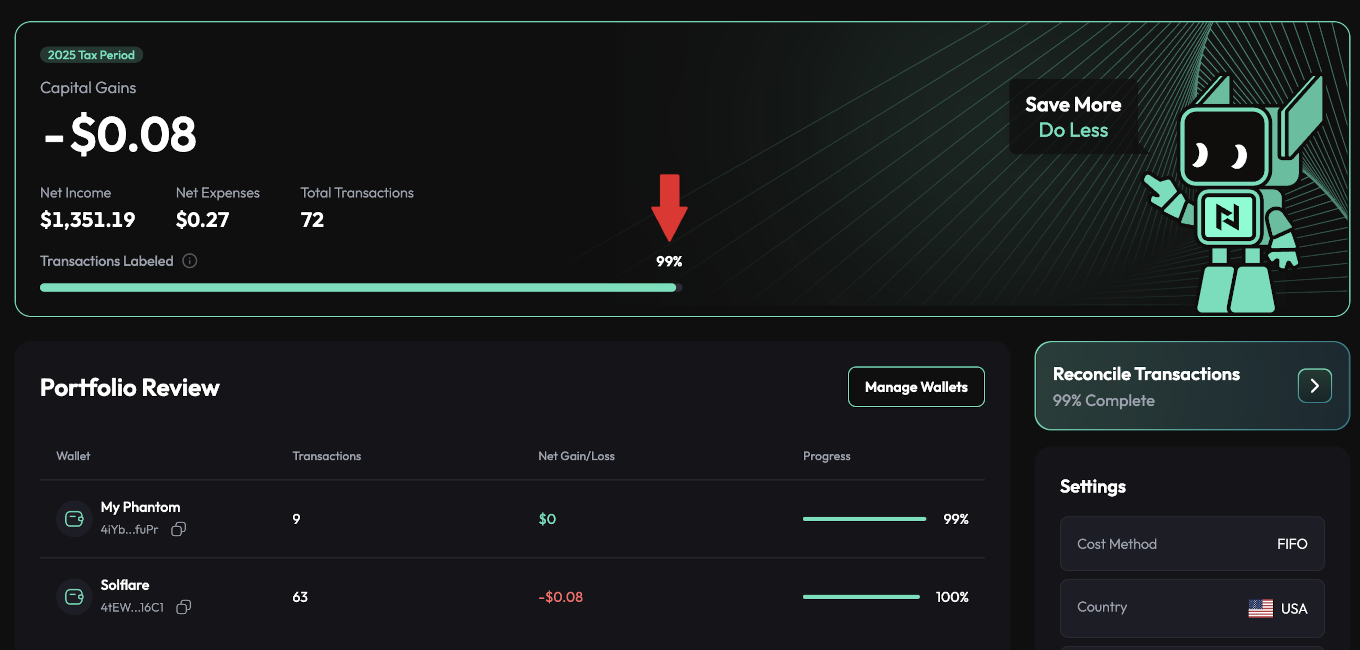
You can check this article regarding transaction reconciliation.
When you are done with reconciliation and have double checked that everything is lining up you can proceed to step 2.
Note: make sure you select the proper cost basis method for your country. You can check this article for more information.
Step 2
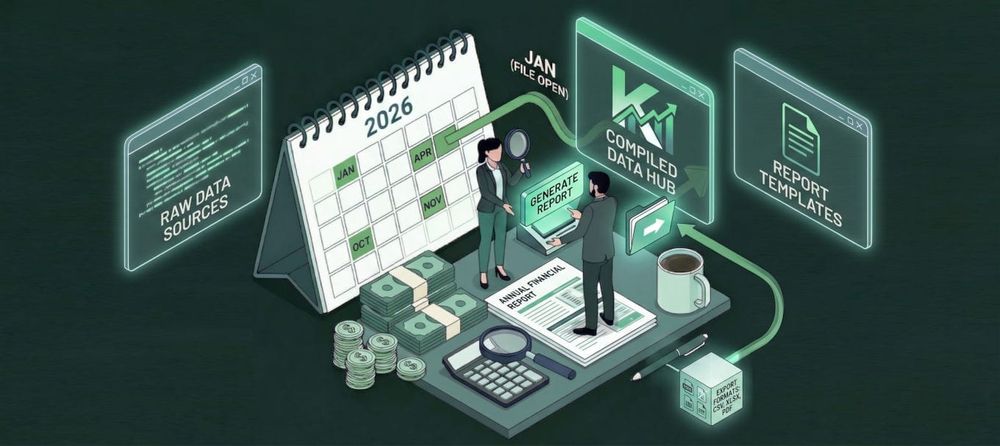
On the Netrunner dashboard screen go to the Tax Reports section and click the Download Tax Report modal. Several downloaded report options will appear.
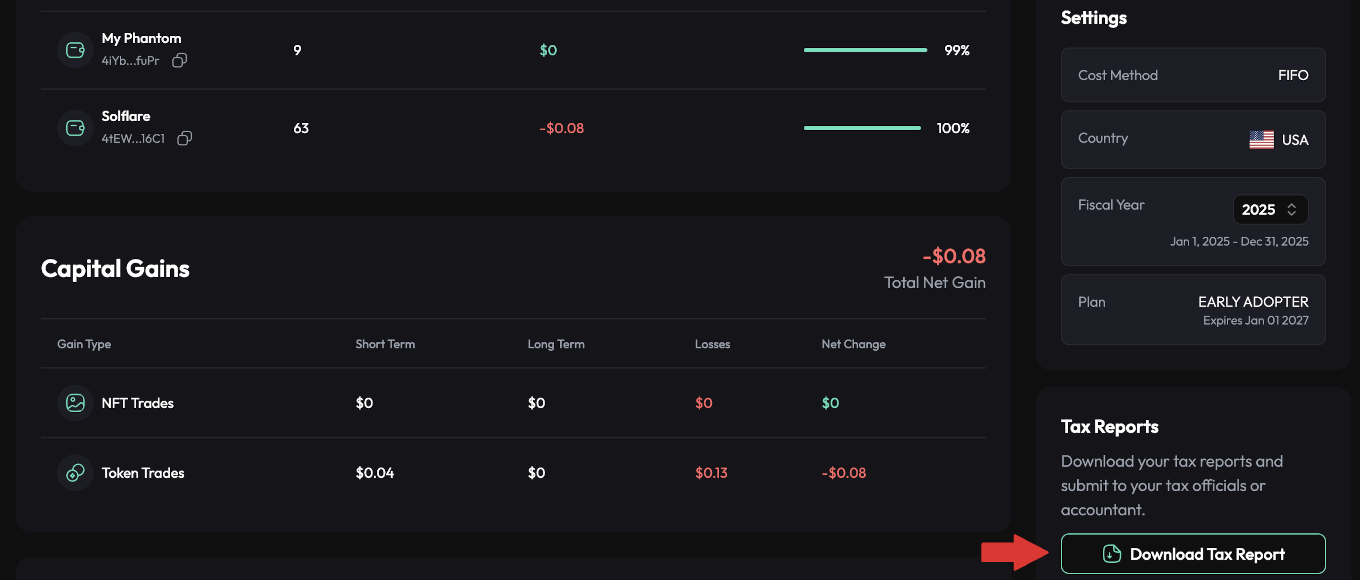
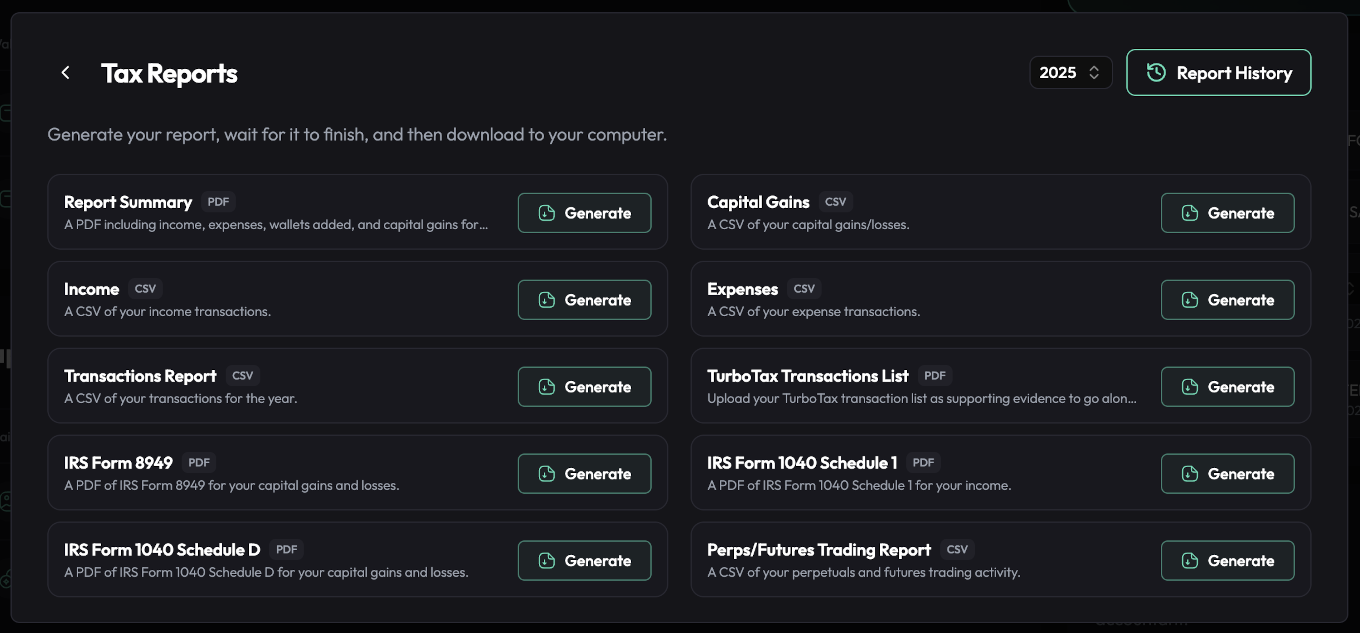
You can then choose what you need for your jurisdiction. Click Generate and wait a few seconds. Once the report has successfully been generated, click on Download to save it to your downloads folder on your computer.
You can also access all report functionality from the Settings menu in the Reports tab.